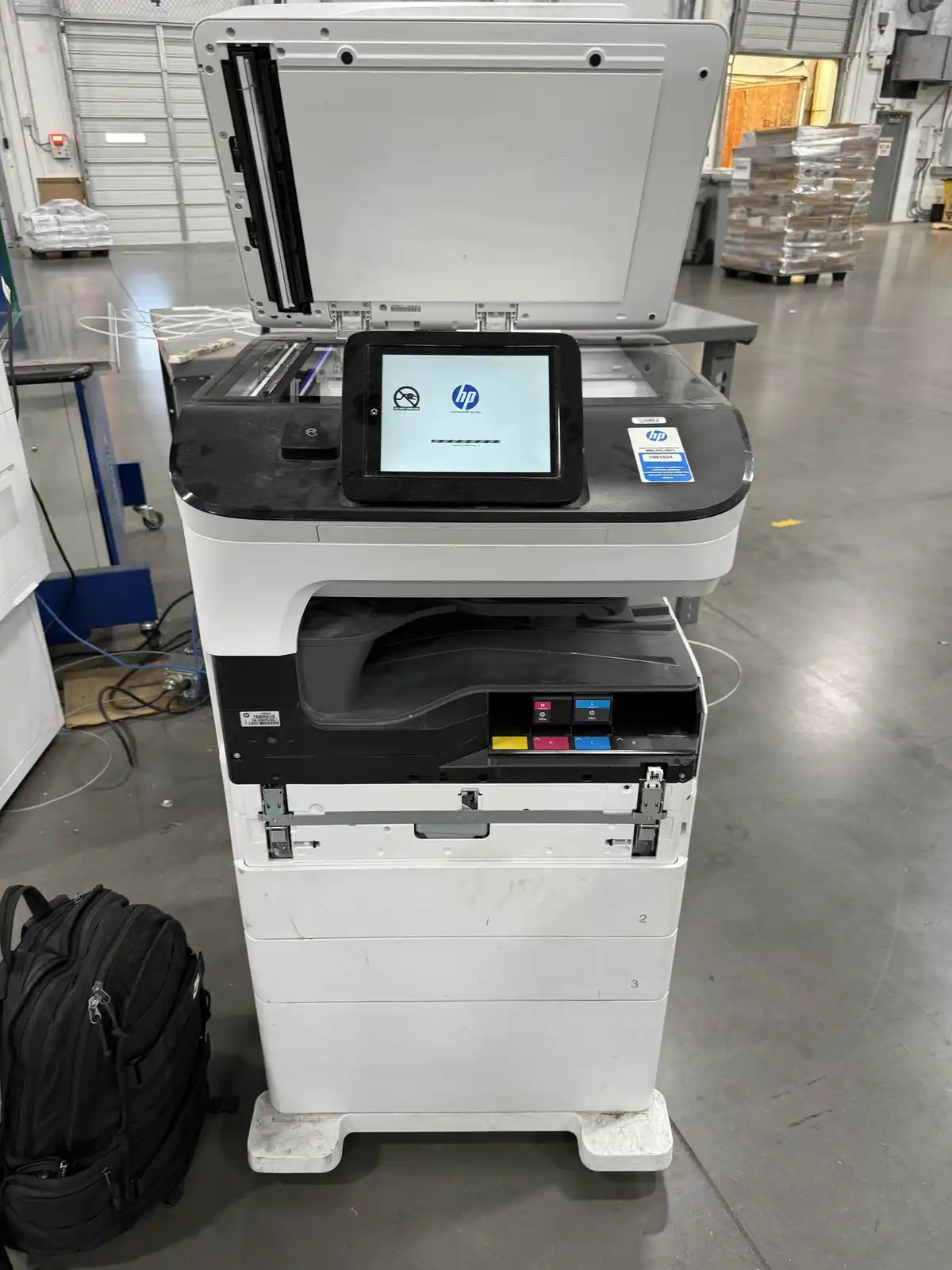
We recently serviced two HP Color LaserJet Enterprise MFPs at a commercial facility in Dallas. Both printers were throwing errors that prevented normal operation — one needed a service fluid container replacement and the other had an internal disk failure.
Printer 1: Service Fluid Container Error
The first HP Enterprise MFP was displaying an “Install Service Fluid Container” error on the touchscreen. The part number referenced was W1B44A — this is the waste ink collection container that sits inside the front access panel of HP Color LaserJet Enterprise printers.
What Was Wrong
The service fluid container collects waste ink that accumulates during normal printing and automatic printhead maintenance cycles. When it fills up, the printer locks out printing to prevent ink from leaking inside the machine. In this case, the container had reached its capacity after months of high-volume color printing.
The Fix
We opened the front access panel, removed the full service fluid container, and installed a new W1B44A replacement. After closing the panel, the printer ran its initialization cycle and cleared the error. Total downtime: about 15 minutes.
Printer 2: Internal Disk Not Functional
The second MFP was showing an “Internal disk not functional” warning in the Message Center, along with a “Tray 2 empty” alert. The disk error was the critical issue — without a functional internal drive, the printer loses its ability to spool large print jobs, store secure print queues, and hold saved job templates.
What Was Wrong
HP Enterprise printers use an internal hard drive or SSD for job processing and storage. When this drive fails, the printer’s formatter board can no longer write to it, triggering the error. The printer may still handle basic direct prints, but enterprise features like secure pull printing, stored jobs, and job accounting stop working.
The Fix
We opened the ink cartridge bay to access the internal components and inspected the drive connection. The YMCK (Yellow, Magenta, Cyan, Black) cartridge area was also due for cleaning — accumulated toner dust can contribute to heat issues that shorten component life. After replacing the internal drive and reinitializing through the service menu, the printer was back to full functionality.
Why Commercial Printers Need On-Site Service
These HP Enterprise MFPs are large, heavy machines — typically 150+ pounds fully loaded with paper and toner. Moving them for repair isn’t practical. On-site service means we come to your facility, diagnose the issue, and fix it in place. Most common repairs — service fluid containers, ink cartridges, fusers, transfer belts, and internal drives — can be completed on-site in under an hour.
HP Printer Repair Across Dallas-Fort Worth
We service HP LaserJet, HP Color LaserJet, and HP Enterprise MFP printers for businesses throughout the DFW area. Whether your printer is showing an error code, jamming frequently, or producing poor print quality, we diagnose and repair it on-site.
Contact us to schedule printer repair or call us directly.
If the fix above does not stick, our team handles printer repair across Dallas-Fort Worth on-site, usually same day.
Tried the steps and still stuck?
Tell us what's happening and a DFW technician will get back to you within 30 minutes during business hours. We come to your home or office, same day.