Printer and Copier Repair On Site
Homes and Offices Across DFW
Printer problems are mostly not the printer. Offline messages, jobs that vanish and printers that stopped working after an update are often about the network, the driver or the way the printer was set up. Mechanical faults are the other half: paper jams, double feeding, streaks and error codes.
Our techs come to you, find out which one you have, and fix it where the machine sits. That includes large office copiers that nobody wants to carry.
Veteran-Owned · Disability-Owned · Se habla español
What we fix
-
Printer shows offline
It prints from one computer and not another, or worked yesterday and went offline today. Often the printer's network address or the computer's driver has changed.
-
Print jobs stuck or disappearing
A queue that will not clear, a job that never arrives, or a printer that stopped working after a Windows update.
-
Paper jams and double feeding
Pages pulled in twos, crumpled sheets or jams in the same place every time. These are usually worn rollers or a dirty feed path.
-
Streaks, smears and faded print
Lines down the page, ghosting or toner that rubs off. We look at the drum, fuser, transfer parts and the cartridges.
-
Error codes and service messages
Messages about waste containers, internal disks, fusers or maintenance kits on office machines. These are specific to the model and we know the common ones.
-
Setup, wireless and scanning
A new printer that needs to join the Wi-Fi, scan to email, or scan to a shared folder on a small office network.
How a visit works
A technician comes to your home or office, tests the printer and the connection around it, and tells you which part is at fault. You get a firm written price before any work and nothing starts until you say yes.
On commercial machines we look at the wear items too, since a fuser or waste container that is about to fail can be dealt with in the same visit. Work is covered by our 30-day labor warranty, and we do not run up a parts list you did not agree to.
Diagnostic visit: $64.99 on weekdays, $84.99 if your location is more than 30 minutes from us, $109.99 if more than 45 minutes from us, and $150 if more than 1 hour from us or on weekends. The repair is priced separately, in writing, after the diagnostic.
Brands and machines we see
Printers, copiers and plotters we work on across DFW:
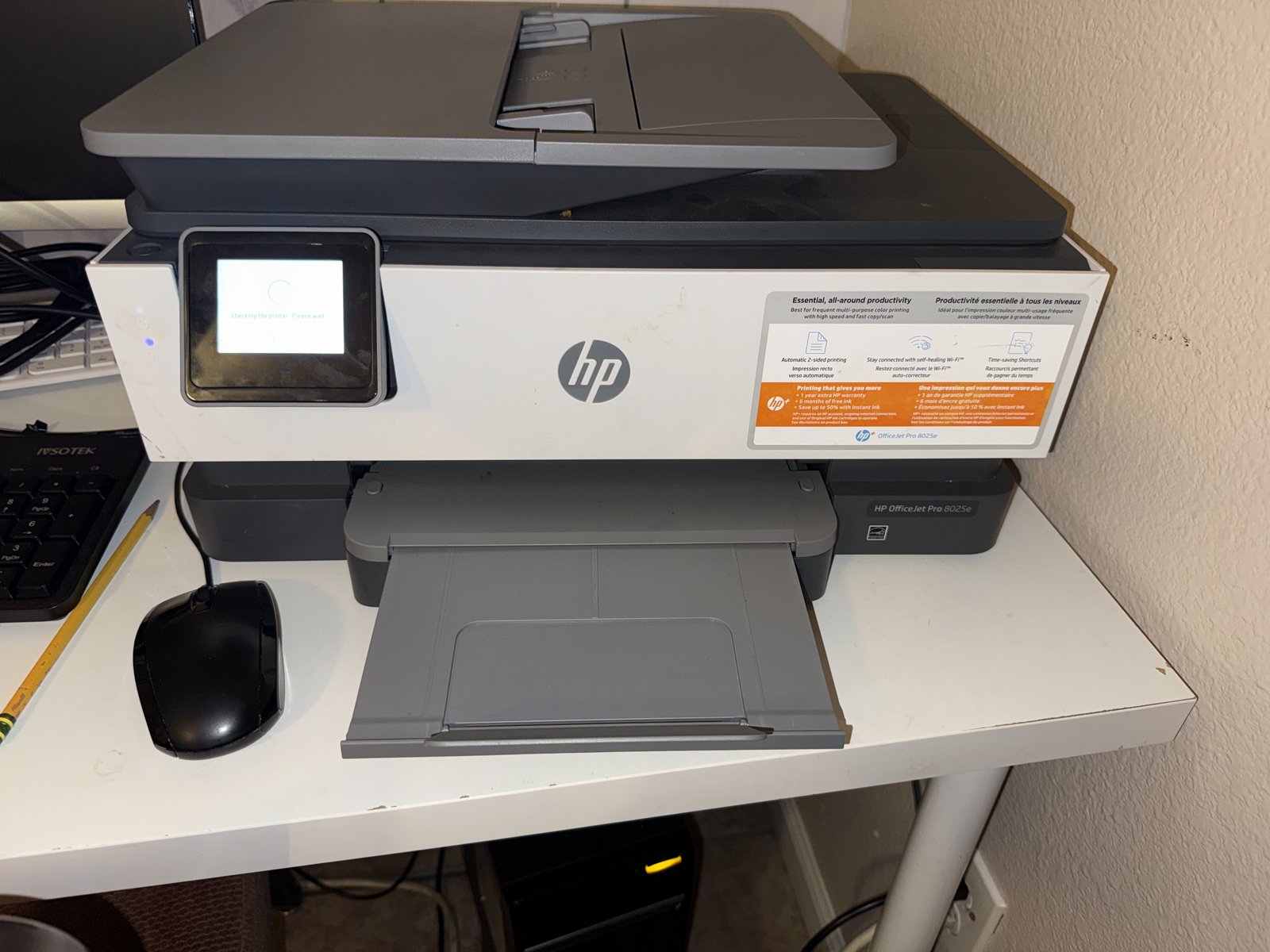
- •HP LaserJet, Color LaserJet Enterprise and OfficeJet Pro
- •Canon imageRUNNER, PIXMA and imagePROGRAF
- •Epson EcoTank and WorkForce
- •Brother laser and inkjet
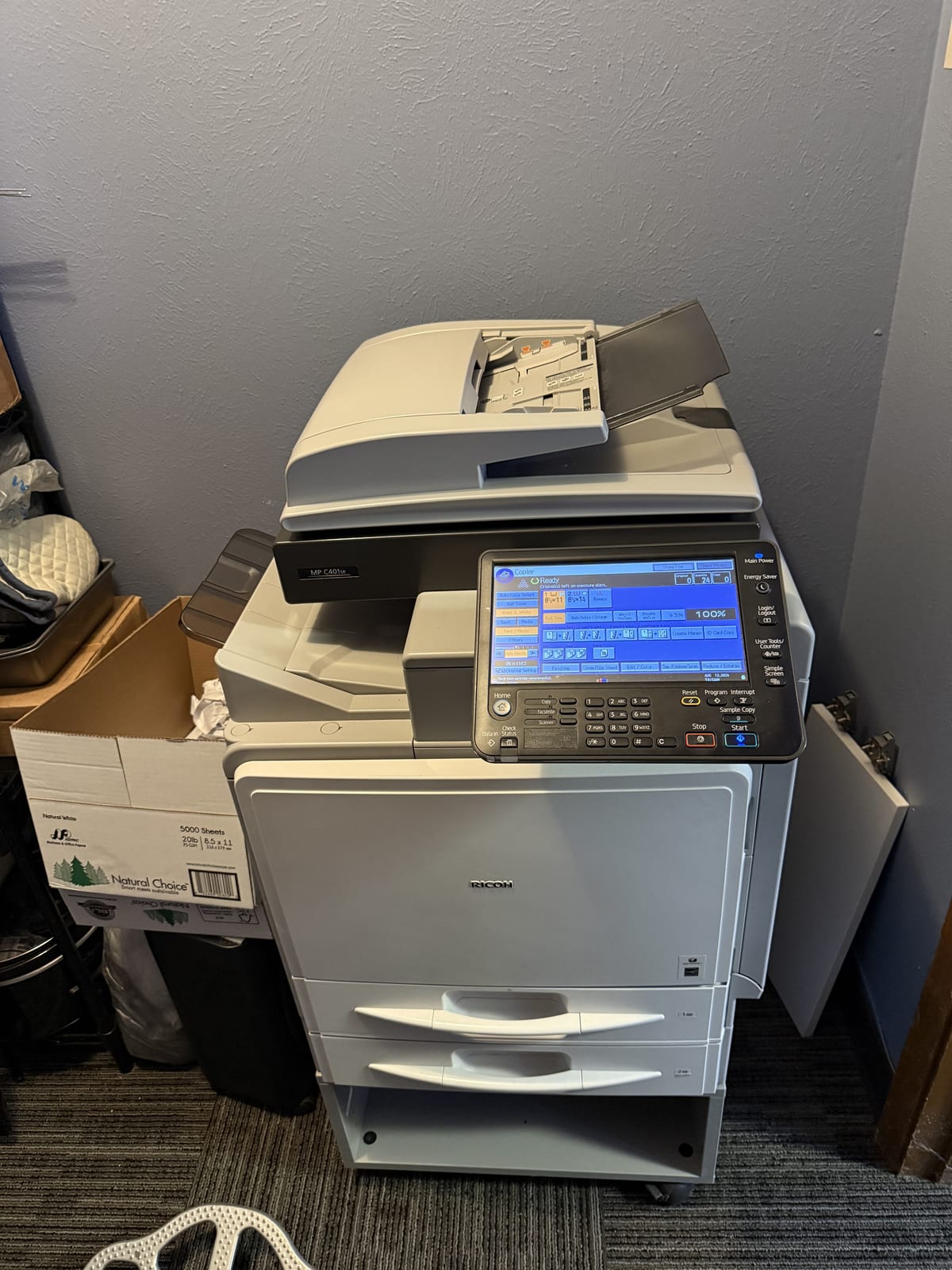
- •Xerox, Ricoh, Konica Minolta, Kyocera, Sharp and Toshiba copiers
- •Lexmark
- •Large format plotters
Repair or replace
Home inkjets and office copiers are different calls. We look at:
Usually worth doing
- •A commercial copier or laser printer with a worn part
- •A fault that is network or driver related, not hardware
- •A machine with a good service history and parts available
- •Maintenance items like fluid containers, rollers, fusers and internal drives
Points toward replacing
- •A low-cost home inkjet where repair costs close to a new one
- •A printer the manufacturer no longer supports
- •Repeated failures across several systems
- •A machine whose supplies cost more than a replacement
For office machines, repair is usually the better value. For cheap home printers, we will tell you plainly.
A real job: two HP Enterprise printers in Dallas
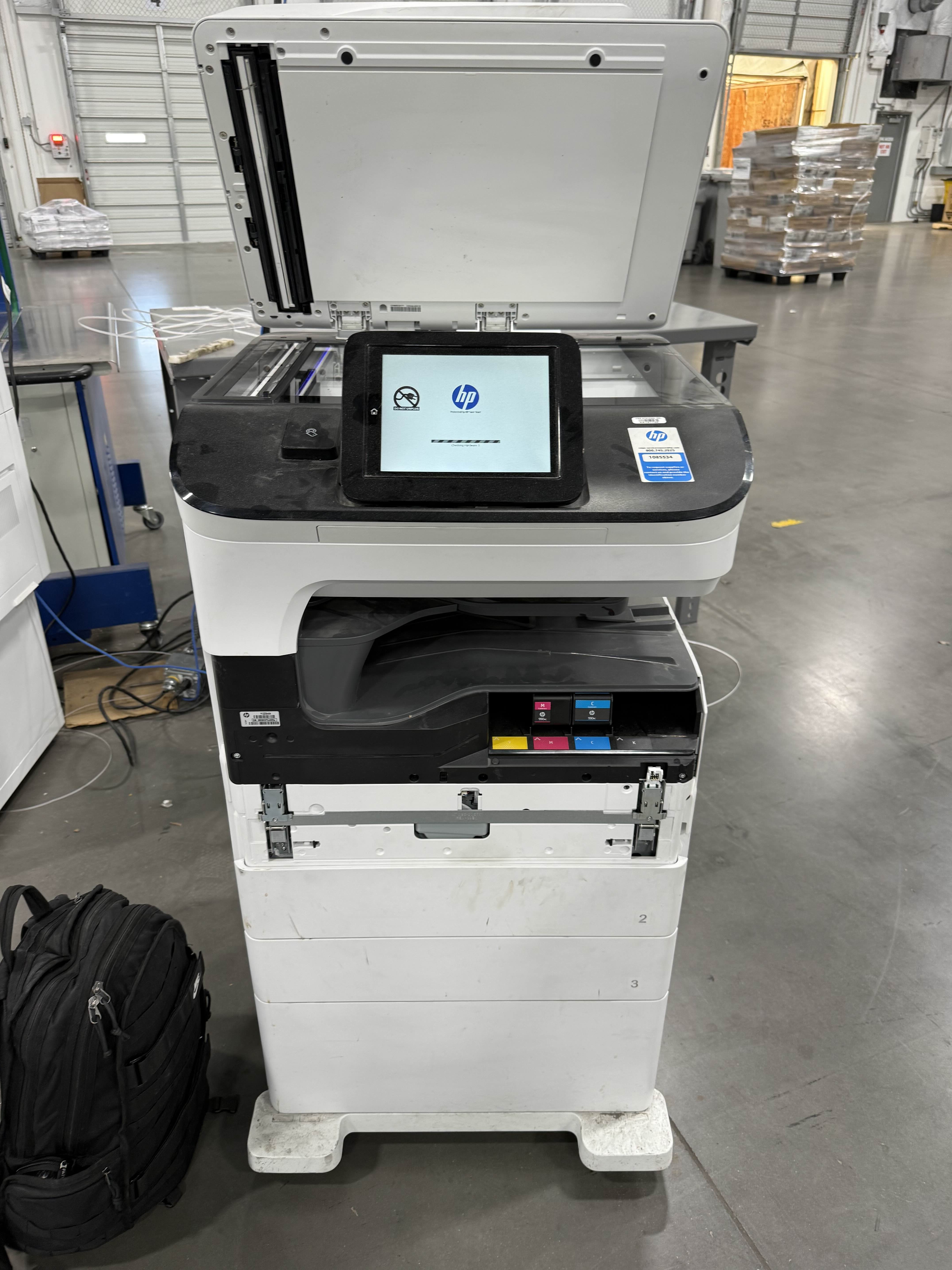
At a commercial facility in Dallas, two HP Color LaserJet Enterprise multifunction printers were out of use. One was showing an Install Service Fluid Container message. We replaced the full container and the printer cleared the error after its start-up cycle, about 15 minutes of downtime.
The second reported that its internal disk was not functional. We replaced the internal drive, reinitialized it through the service menu and cleaned the cartridge area while it was open. We wrote the full job up in our news section.
Read the full HP Enterprise job write-up
Common questions
Why does my printer keep going offline?
Usually the printer's network address changed or the driver on the computer no longer matches. We find which and set it so it holds.
Do you repair large office copiers?
Yes. We service them on site, since moving them is the hard part. Brands include Canon, Ricoh, Xerox, Konica Minolta, HP and others.
Is it worth repairing a home printer?
Depends on the model and the fault. We say plainly when a repair does not make sense.
Do you supply toner and parts?
We supply the parts for the repair, and we quote them before we begin.
Ready to Get Your Computer Fixed?
Professional computer repair services throughout Dallas-Fort Worth.
Same-day mobile service with 30-day warranty. We come to you!
We respond within 30 minutes.
Available 7 days a week